
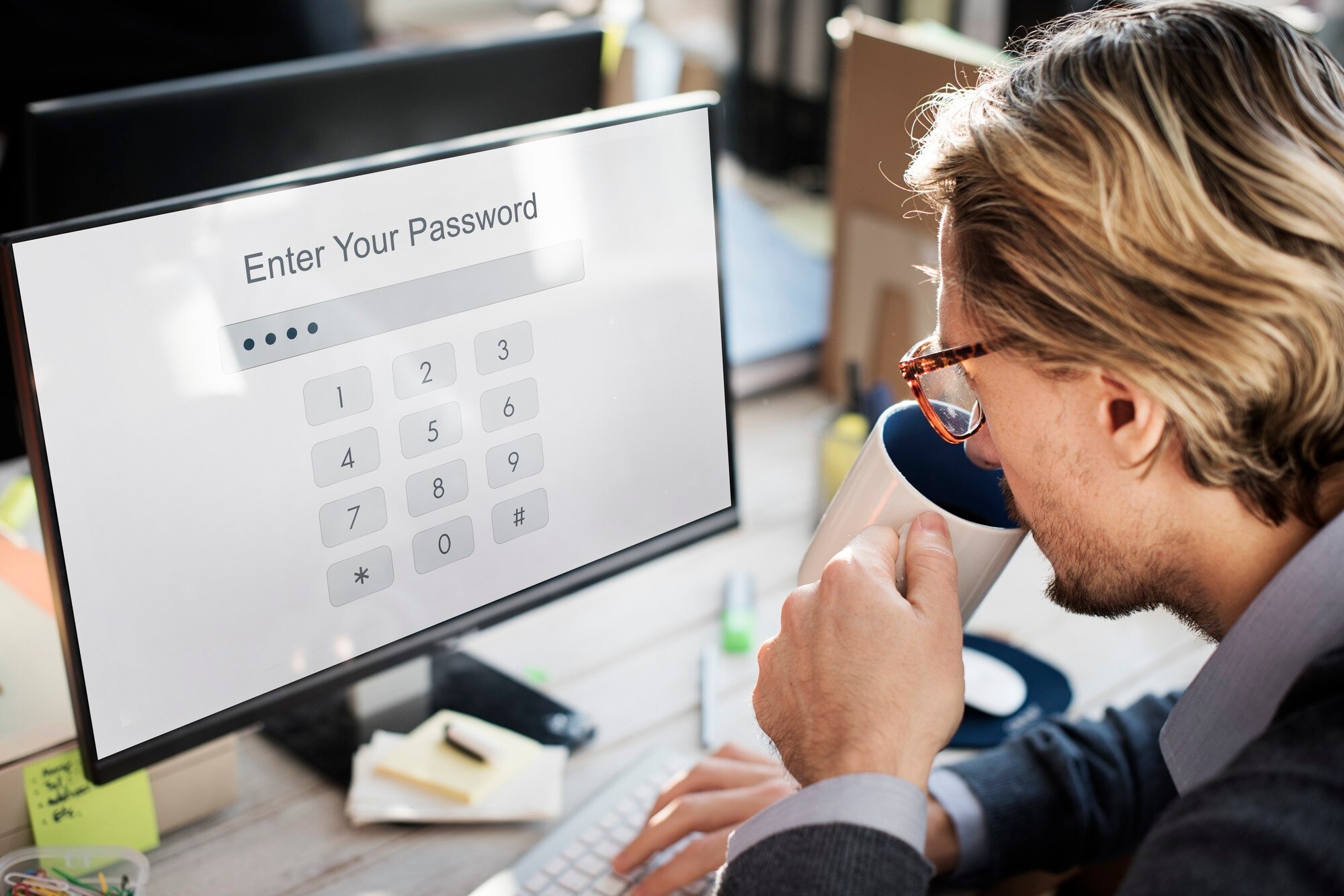
Every major data breach in recent memory has one thing in common: compromised credentials. Whether it was a phishing email, a brute force attack, or a leaked password database, the entry point was almost always an identity. Passwords remain the most widely used authentication mechanism in the world, and that makes them the most targeted. Organizations that treat password security as a checkbox item rather than a foundational strategy are operating with a dangerous blind spot.
The threat landscape has shifted dramatically. Credential stuffing attacks are automated and industrialized. Phishing kits are sold as subscription services on the dark web. Password reuse, which affects an estimated 65% of users according to Google Security, turns a single breach into a cascade of compromised accounts across multiple systems. Meanwhile, regulatory frameworks like HIPAA, PCI DSS, and GDPR now hold organizations directly accountable for protecting user credentials.
The good news is that the security industry has responded. Modern authentication methods, password management tools, Multi-Factor Authentication, and passwordless technologies have all matured significantly. Organizations no longer have to choose between security and usability. The challenge is knowing how to layer these tools effectively within an identity and access management strategy that scales with the business.
This guide covers everything you need to know about password security, from the fundamentals to advanced enterprise authentication strategies, to help your organization build a more resilient identity security posture.
What Is Password Security?
Definition
Password security is the set of practices, policies, and technologies used to protect user credentials from unauthorized access, theft, and misuse. It encompasses how passwords are created, stored, transmitted, and managed across systems, applications, and user accounts.
In 40 words: Password security refers to the policies and tools that protect credentials from theft and misuse, including strong password requirements, hashing, encryption, multi-factor authentication, and identity access controls that prevent unauthorized system access.
Why Password Security Matters
Passwords guard access to everything: email accounts, financial systems, healthcare records, cloud infrastructure, and corporate networks. A single weak or reused password can give an attacker a foothold that escalates into a full-scale breach. IBM’s Cost of a Data Breach Report consistently identifies compromised credentials as the leading initial attack vector, accounting for roughly 19% of breaches.
Beyond the technical risk, there are direct business consequences. A credential-based breach leads to regulatory fines, operational disruption, reputational damage, and customer loss. For healthcare and financial organizations, the regulatory exposure alone can run into millions of dollars.
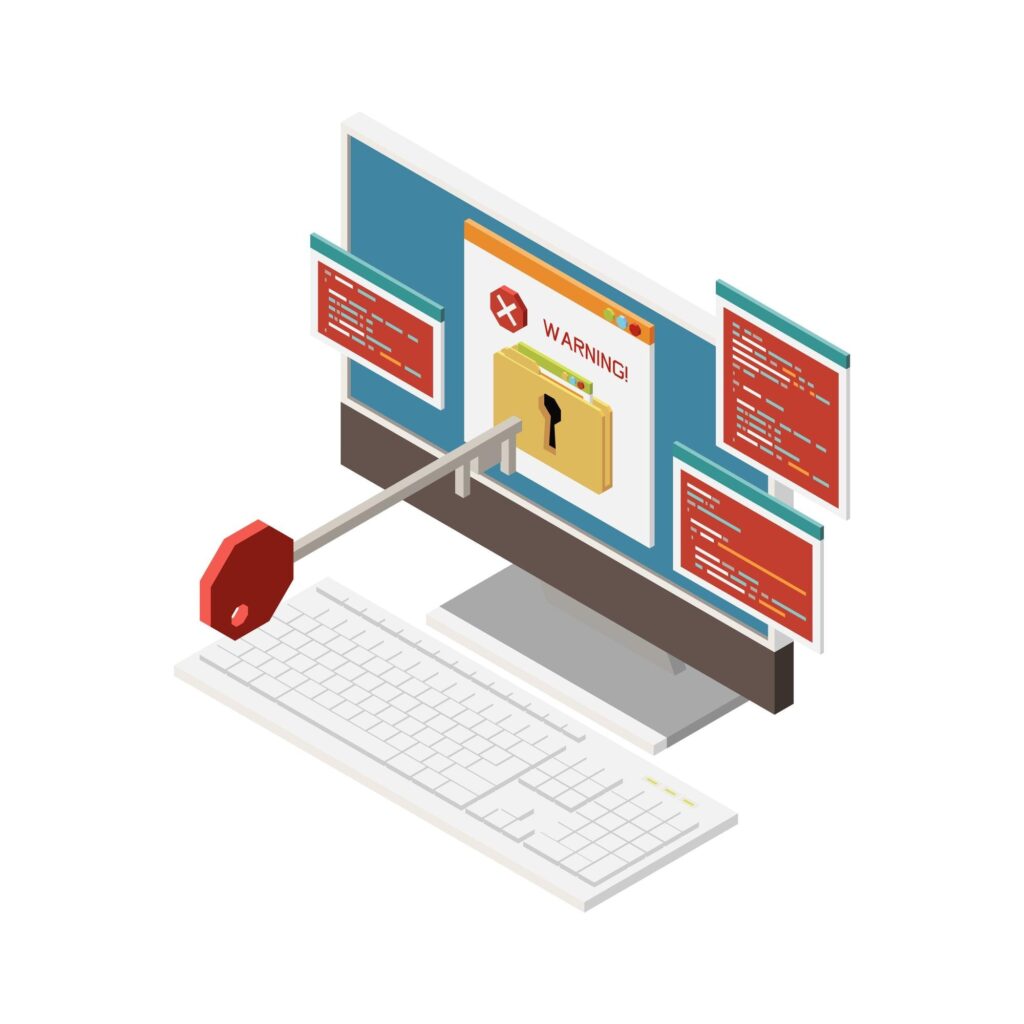
Password security matters because identity has become the new perimeter. Organizations no longer have a well-defined network edge to defend. Users work from home, access cloud applications, and connect from personal devices. In that environment, the username and password combination is often the only thing standing between an attacker and sensitive data.
Common Password Security Risks
The most persistent risks include:
- Weak passwords: Passwords that are short, use common words, or lack complexity are vulnerable to dictionary and brute force attacks within minutes.
- Password reuse: When users recycle passwords across multiple accounts, a breach of any one system exposes all the others.
- Credential stuffing: Attackers take lists of leaked username-password combinations and test them automatically against hundreds of services.
- Phishing: Fraudulent emails and websites trick users into voluntarily entering their credentials.
- Insecure storage: Passwords stored in plaintext or with weak hashing algorithms are fully exposed when databases are stolen.
- No monitoring: Organizations that do not monitor for credential leak signals have no warning before an account takeover occurs.
How Password Authentication Works
Username and Password Authentication
The username and password model works by comparing a user-submitted credential pair against a stored record. The user enters their username and password, the system looks up the associated account, and if the submitted password matches the stored value, access is granted. Simple in concept, but the security implications of each step in that process are significant.
Password Hashing
Passwords should never be stored in plaintext. Instead, a cryptographic hashing function converts the password into a fixed-length string called a hash. When a user logs in, the system hashes the submitted password and compares it to the stored hash. If they match, authentication succeeds.
Modern secure hashing algorithms include bcrypt, Argon2, and scrypt. These are specifically designed to be computationally expensive, which slows down brute force attacks. Older algorithms like MD5 and SHA-1 are no longer considered secure for password storage because modern hardware can compute billions of hashes per second against them.
Salting adds another layer of protection. A salt is a random value added to the password before hashing, which ensures that identical passwords produce different hashes and defeats precomputed rainbow table attacks.
Authentication Process
A secure authentication flow includes:
- User submits credentials over an encrypted connection (HTTPS/TLS)
- The system retrieves the stored salt for that account
- The submitted password is combined with the salt and hashed
- The resulting hash is compared to the stored hash
- On match, a session token is issued
- On failure, the attempt is logged and rate limiting may engage
Secure Credential Storage
Secure credential storage requires more than just hashing. Systems should:
- Use strong, modern hashing algorithms with per-user salts
- Encrypt the credential database at rest
- Restrict access to credential stores through least-privilege controls
- Rotate encryption keys on a defined schedule
- Monitor for unauthorized access to credential storage systems
Why Traditional Passwords Are No Longer Enough

Weak Passwords
The most common passwords in use globally are still “123456,” “password,” and “qwerty.” These can be cracked in under a second. Even passwords that seem complex to users often follow predictable patterns, like substituting “@” for “a” or appending “1!” to a dictionary word. Attackers know these patterns and encode them into their cracking tools.
Password Reuse
Password reuse is pervasive and dangerous. When users maintain the same password across their corporate email, personal accounts, and cloud services, a breach of the weakest link compromises everything. The practice is so common that attackers routinely test leaked credential sets against major platforms as a first step after any public breach.
Credential Stuffing
Credential stuffing is an automated attack where adversaries take username-password combinations from breached datasets and systematically test them against other services. Billions of credentials from past breaches are freely available on dark web forums. Automated tools can test thousands of combinations per minute with little effort. Organizations with no bot protection or account lockout policies are particularly exposed.
Phishing Attacks
Phishing remains the most effective way to steal credentials because it bypasses technical controls entirely by targeting human behavior. A convincing email with a spoofed login page can harvest credentials from even technically sophisticated users. Spear phishing, which targets specific individuals with personalized messages, has an alarmingly high success rate.
Brute Force Attacks
Brute force attacks systematically try every possible combination of characters until the correct password is found. With modern GPU-accelerated cracking tools, short or simple passwords can be broken very quickly. An 8-character password using only lowercase letters has about 200 billion possible combinations but can be cracked in minutes with dedicated hardware. A 16-character password with mixed character types is exponentially more resistant.
Password Spraying
Password spraying is a variation of brute force that avoids account lockouts by trying a small number of common passwords across a large number of accounts. Instead of hammering one account with many guesses, attackers try one password against thousands of accounts. This technique is effective against organizations that have weak default password policies and no anomaly detection.
Password Security Best Practices
Create Strong Passwords
A strong password is long, random, and unique. Current recommendations from NIST (Special Publication 800-63B) prioritize length over complexity, with a minimum of 15 characters for general accounts and longer for privileged access. Avoid predictable substitutions and dictionary words. Passphrases, sequences of four or more random words, offer a good balance of strength and memorability.
Strong password characteristics:
- Minimum 15 characters (longer is better)
- Mix of uppercase, lowercase, numbers, and symbols
- No dictionary words or personal information
- No sequential characters or keyboard patterns
- Unique to each account
Use Unique Passwords
Every account should have its own distinct password. This is the single most impactful habit for reducing credential reuse risk. Password managers make this practical because users do not need to remember individual passwords for each service.
Enable Multi-Factor Authentication
Multi-Factor Authentication adds a second verification step beyond the password, requiring something the user knows plus something they have or something they are. Even if a password is stolen, MFA prevents the attacker from completing authentication. Enabling MFA on all accounts, particularly email, financial, and administrative systems, should be a baseline requirement for every organization.
Use a Password Manager
Password managers generate, store, and autofill strong unique passwords. They eliminate the memorization problem that drives password reuse. Enterprise password management solutions integrate with directory services, provide administrative oversight, support role-based access, and can enforce password complexity policies across the organization.
Monitor for Credential Leaks
Organizations should subscribe to breach intelligence services that monitor whether their domain’s credentials appear in known leak databases. Services like HaveIBeenPwned offer API access that can be integrated into authentication workflows to flag compromised passwords in real time. This allows security teams to proactively force password resets before attackers can exploit leaked credentials.
Update Password Policies
NIST guidance no longer recommends mandatory periodic password changes unless there is evidence of compromise. Forcing users to change passwords every 90 days typically results in predictable patterns like incrementing a number. Modern policies focus on blocking known-compromised passwords, enforcing length and uniqueness requirements, and requiring changes only when a breach is suspected.
Password Managers Explained

What Is a Password Manager?
A password manager is a software application that securely stores, generates, and manages passwords in an encrypted vault. Users authenticate to the password manager with a single master password or biometric, and the tool handles everything else. It automatically fills in credentials across websites and applications, eliminating both the memorization burden and the incentive to reuse passwords.
Benefits
- Generates truly random, unique passwords for every account
- Eliminates password reuse across services
- Reduces cognitive load on users
- Supports secure sharing of credentials within teams
- Provides visibility into weak or reused passwords
- Many offer dark web monitoring for leaked credentials
Enterprise Password Management
At the enterprise level, password management becomes a governance and security function. Enterprise password management solutions provide centralized control over credential policies, audit trails of password access, privileged credential vaulting, automated password rotation, and integration with identity providers and SIEM systems.
Key enterprise capabilities to look for include:
- Active Directory and LDAP integration
- Role-based access controls for credential access
- Automated rotation of service account passwords
- Break-glass emergency access procedures
- Compliance reporting and audit logging
Password Vaults
A password vault is the encrypted storage component of a password manager. Credentials are encrypted before they leave the user’s device in a zero-knowledge architecture, meaning the vendor cannot access stored passwords. Enterprise password vaults extend this model to support team-based access, shared credentials, and privileged account management at scale.
Multi-Factor Authentication (MFA) vs. Passwords
MFA and passwords are not competitors. They are complementary layers of authentication security. The comparison below illustrates their respective strengths and limitations.
| Factor | Passwords Alone | MFA (Password + Second Factor) |
|---|---|---|
| Resistance to phishing | Low | High (especially with hardware keys) |
| Resistance to credential stuffing | Low | High |
| Resistance to brute force | Moderate (depends on strength) | High |
| User experience | Simple | Minor additional step |
| Cost to implement | Low | Low to moderate |
| Protection after breach | None | Strong |
| NIST recommendation | Minimum baseline | Strongly recommended |
| Compliance support | Limited | Strong (HIPAA, PCI DSS, SOC 2) |
MFA methods vary in security strength:
- SMS/voice OTP: Convenient but vulnerable to SIM swapping
- Authenticator app (TOTP): More secure than SMS, widely supported
- Push notification: User-friendly but susceptible to MFA fatigue attacks
- Hardware security key (FIDO2): Strongest protection, phishing-resistant
- Biometric: High usability, strong local verification
For privileged and administrative accounts, hardware security keys or certificate-based authentication are strongly recommended. For general users, authenticator apps represent the best balance of security and usability.
Passwords vs. Passwordless Authentication
The industry is actively moving beyond passwords toward passwordless authentication models that eliminate the shared secret entirely.
| Factor | Passwords | Passwordless Authentication |
|---|---|---|
| Phishing resistance | Low | Very high |
| Credential theft risk | High | Very low |
| User experience | Familiar but cumbersome | Streamlined |
| Reset/recovery burden | High (IT helpdesk load) | Lower |
| Deployment complexity | Low | Moderate to high |
| Scalability | High | High (growing ecosystem) |
| Standards compliance | Basic | Strong (FIDO2, WebAuthn) |
| Long-term direction | Legacy | Industry standard |
Passkeys
Passkeys are a passwordless authentication standard backed by Apple, Google, Microsoft, and the FIDO Alliance. They use public key cryptography to authenticate users without transmitting a secret. The private key never leaves the user’s device, making passkeys inherently phishing-resistant. When a user registers a passkey, the service stores only the public key. Authentication requires the user to verify locally via biometric or PIN, and the private key signs a challenge that the service validates.
Biometrics
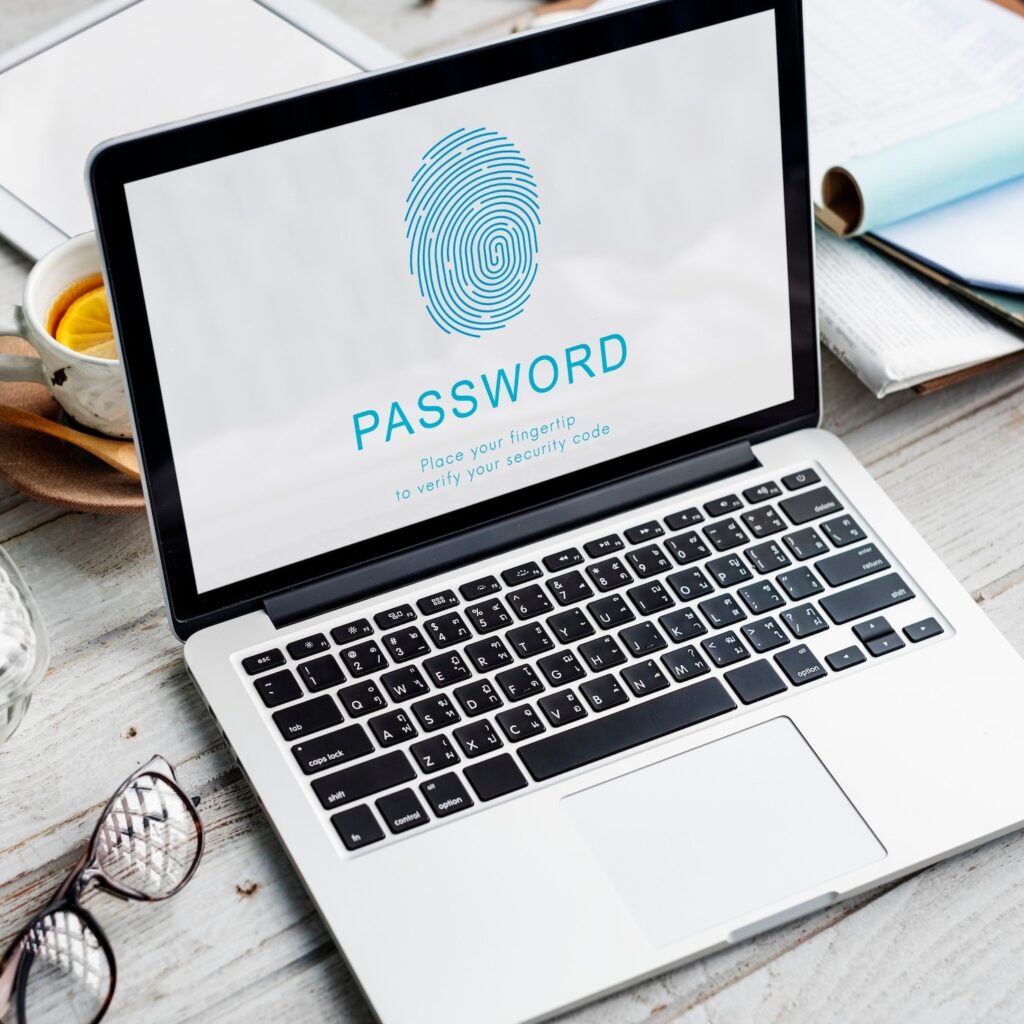
Biometric authentication uses physical characteristics, such as fingerprints, facial geometry, or iris patterns, to verify identity. Modern implementations process biometrics locally on the device (as with Apple Face ID and Touch ID) rather than transmitting biometric data to a server, which significantly reduces risk. Biometrics serve as the verification mechanism for passkeys and FIDO2 credentials rather than as a standalone authentication factor.
FIDO2 and WebAuthn
FIDO2 is an open authentication standard developed by the FIDO Alliance and the World Wide Web Consortium (W3C). WebAuthn is the web component of FIDO2 and is now supported natively in all major browsers. FIDO2 credentials are tied to specific origins, making them immune to phishing attacks that redirect users to fraudulent sites. Organizations implementing enterprise passwordless authentication should treat FIDO2 as the target architecture.
Identity and Access Management (IAM) and Password Security
Password security does not exist in isolation. It is one component of a broader Identity and Access Management strategy that governs how users are authenticated, what resources they can access, and how that access is monitored and controlled throughout the user lifecycle.
Identity Lifecycle Management
Identity lifecycle management ensures that user accounts and their associated access rights are appropriately provisioned, maintained, and deprovisioned as users join, move within, or leave an organization. Orphaned accounts, accounts that remain active after an employee departs, are a persistent source of risk. Automated lifecycle management reduces the attack surface by ensuring credentials are deactivated when they are no longer needed.
Single Sign-On (SSO)
Single Sign-On allows users to authenticate once and access multiple applications without re-entering credentials. SSO improves the user experience while reducing the number of credential sets that must be managed and secured. From a security perspective, it centralizes authentication controls, making it easier to enforce MFA, monitor access patterns, and revoke access across all connected systems with a single action.
Identity Governance
Identity governance provides the oversight layer that ensures users have the right access at the right time for the right reasons. It includes access certification campaigns (regular reviews where managers confirm or revoke user access), separation of duties controls, and access request and approval workflows. Strong identity governance reduces the risk of privilege creep, where users accumulate access rights over time beyond what their current role requires.
Adaptive Authentication
Adaptive authentication dynamically adjusts the authentication requirements based on contextual risk signals. If a user logs in from their usual location at a normal time, authentication may require only a password and MFA. If the same user suddenly attempts to access a critical system from an unusual country at 3 a.m., the system may require step-up authentication, block the attempt pending review, or trigger an alert to the security operations center. Adaptive authentication is a core component of mature IAM architectures.
Zero Trust Security
Zero Trust is a security architecture model built on the principle of “never trust, always verify.” In a Zero Trust environment, no user, device, or network connection is trusted by default, regardless of whether it originates inside or outside the corporate network. Every access request is verified against identity, device health, location, and behavior signals before access is granted. Continuous validation replaces perimeter-based security assumptions.
Password and credential security is foundational to Zero Trust because authentication is the first step in every access verification decision. Organizations implementing Zero Trust need strong identity infrastructure, including MFA, device trust, least-privilege access, and real-time behavioral monitoring.
Common Password Attacks Organizations Must Prevent
Credential Stuffing
Automated testing of leaked credential pairs against live services. Prevention requires bot detection, rate limiting, account lockout policies, and monitoring for high-volume failed authentication attempts.
Brute Force
Systematic password guessing through automated tools. Prevention requires account lockout thresholds, CAPTCHA challenges, rate limiting, and strong password length requirements that make exhaustive attacks computationally impractical.
Dictionary Attacks
Using wordlists of common words, phrases, and known password patterns to accelerate cracking. Prevention requires blocking passwords found in common wordlists and enforcing minimum complexity requirements that defeat simple dictionary-based attacks.
Password Spraying
Trying a few common passwords against many accounts to avoid lockout triggers. Prevention requires monitoring for distributed low-frequency authentication failures, anomalous authentication patterns, and enforcing strong password policies that eliminate common passwords from use.
Keylogging
Malware that records keystrokes to capture passwords as they are typed. Prevention requires endpoint protection, application whitelisting, and MFA that renders a stolen password insufficient for access.
Phishing
Deceptive emails and fake websites designed to capture credentials. Prevention requires phishing-resistant MFA (hardware keys or FIDO2), email security gateways, user security awareness training, and anti-phishing browser protections.
Social Engineering
Manipulating users or help desk staff into revealing credentials or performing unauthorized password resets. Prevention requires strict identity verification procedures for account recovery, multi-step verification for sensitive changes, and training staff to recognize social engineering tactics.
Enterprise Password Security Best Practices

Least Privilege Access
Users should have access only to the systems and data required for their current role. Implementing least-privilege access limits the blast radius of a credential compromise. If an attacker gains access to a low-privilege account, the damage they can do is constrained.
Password Rotation Policies
For service accounts and privileged credentials, automated password rotation eliminates the risk of stale credentials that have been compromised but not yet discovered. Privileged Access Management solutions can rotate credentials automatically on a schedule or immediately after each use, which is known as just-in-time access.
Privileged Access Management (PAM)
PAM solutions manage, monitor, and control access to privileged accounts, including domain administrators, service accounts, and root access. They typically include:
- Credential vaulting for privileged accounts
- Session recording for privileged access
- Just-in-time access provisioning
- Automated password rotation
- Approval workflows for privileged access requests
For most enterprise environments, PAM represents the highest-priority investment in password security because privileged credentials are the most valuable targets for attackers.
Continuous Monitoring
Effective password security requires monitoring that does not stop at the perimeter. Security teams should monitor for:
- Unusual login times or locations
- High-volume failed authentication attempts
- Access to sensitive systems outside of normal patterns
- Alerts from breach intelligence feeds
- Privilege escalation attempts
Integration between identity systems and SIEM platforms enables correlation of authentication events with broader threat detection.
Security Awareness Training
Technology controls are only part of the equation. Users who understand how phishing works, why password reuse is dangerous, and what social engineering looks like make much harder targets. Regular, scenario-based security awareness training that uses simulated phishing exercises gives users practical experience recognizing and resisting attacks.
Industries That Require Strong Password Security
Banking and Financial Services
Financial institutions hold the most targeted data: account credentials, payment information, and transaction records. Regulatory frameworks including PCI DSS and SOC 2 mandate specific authentication controls. The sophistication of financial cybercrime means that basic password hygiene is a minimum, not a ceiling.
Healthcare
HIPAA requires covered entities to implement technical safeguards that protect electronic Protected Health Information (ePHI). Healthcare organizations face a dual challenge: high regulatory standards and an operational culture that historically prioritized convenience over security. Medical device authentication and clinical system access control are growing areas of concern.
Government
Federal agencies are governed by NIST cybersecurity frameworks and executive orders mandating Zero Trust architecture adoption. Government systems hold sensitive citizen data and national security information, making credential security a national priority.
Manufacturing
Operational technology (OT) environments and industrial control systems increasingly connect to enterprise IT networks, expanding the attack surface. Manufacturing organizations must secure both IT credentials and OT system access, often with legacy systems that lack modern authentication capabilities.
Retail
Point-of-sale systems, e-commerce platforms, and loyalty programs are prime targets. PCI DSS compliance requires strict password and access controls for any system that touches cardholder data. Retail organizations also face high employee turnover, which increases the importance of automated identity lifecycle management.
Education
Educational institutions manage credentials for thousands of students, faculty, and staff while operating on constrained security budgets. The shift to cloud-based learning platforms expanded the attack surface significantly, and educational organizations consistently rank among the most targeted by ransomware.
Technology
Technology companies face unique risks from intellectual property theft and supply chain attacks. Developer credentials with access to source code repositories, cloud infrastructure, and CI/CD pipelines are high-value targets. The SolarWinds and Okta breaches both demonstrated how developer and vendor credentials can become entry points into downstream systems at massive scale.
The Future of Authentication
Passwordless Authentication
The password is not going away overnight, but the direction of the industry is clear. Passkeys are achieving mainstream adoption across consumer platforms, and enterprise passwordless authentication solutions are maturing rapidly. The combination of FIDO2 standards, biometrics, and device trust creates an authentication experience that is both more secure and more convenient than passwords.
Passkeys
Major platforms including Apple, Google, and Microsoft have committed to passkey support, and browser-based WebAuthn enables passkey authentication across web applications without proprietary plugins. Enterprise adoption is accelerating as identity providers add passkey support to their platforms. Organizations that begin planning for passkey adoption now will be well-positioned as the ecosystem continues to mature.
Biometrics
Biometric authentication is becoming the primary user-facing factor in authentication flows. On-device biometric processing, where biometric data never leaves the user’s hardware, addresses the privacy and security concerns associated with centralized biometric databases. Enterprise adoption is growing in both logical access (laptop login, application authentication) and physical access control contexts.
AI-Driven Authentication
Artificial intelligence is enabling more sophisticated adaptive authentication models. Machine learning systems can build behavioral baselines for individual users and detect anomalies in real time, allowing authentication systems to distinguish between a legitimate user and an attacker using stolen credentials based on behavior rather than just possession of the correct password. AI-driven authentication is emerging as a core capability within Identity Threat Detection and Response (ITDR) platforms.
Adaptive Authentication
The maturation of adaptive authentication frameworks is allowing organizations to implement risk-based policies that balance security with user experience. Rather than applying the same authentication requirements to every access request, adaptive systems apply friction proportional to the risk. Routine access from a trusted device gets a smooth experience. High-risk access from an unrecognized device gets additional verification. This model reduces helpdesk burden while improving security outcomes.
Identity Threat Detection and Response (ITDR)
ITDR is an emerging category focused on detecting and responding to identity-based attacks in real time. Where traditional security tools monitored network and endpoint activity, ITDR focuses specifically on identity infrastructure, including authentication anomalies, privilege escalation, lateral movement, and identity governance violations. As attackers increasingly target IAM systems directly, ITDR represents an important evolution in the security operations stack.
Why Organizations Choose Avancer Corporation for Identity and Authentication Security
Avancer Corporation works with enterprises across industries to address the full spectrum of identity and authentication security challenges. Their approach goes beyond tool deployment to encompass strategy, architecture, and long-term program development.
For organizations still relying on legacy password-only authentication, Avancer helps build a modernization roadmap that reduces risk without disrupting operations. This typically includes assessing the current authentication environment, identifying the highest-risk credential gaps, and sequencing improvements to deliver early security wins while building toward a mature IAM architecture.
Avancer’s IAM consulting practice covers enterprise password management implementation, MFA deployment and policy design, Single Sign-On architecture, passwordless authentication strategy, Identity Governance programs, and Privileged Access Management. Their work helps organizations reduce the attack surface created by credential sprawl, privilege creep, and manual access management processes.
For organizations operating in regulated industries, Avancer brings deep experience translating compliance requirements from HIPAA, PCI DSS, GDPR, SOC 2, NIST, and ISO 27001 into practical identity security controls. They help organizations demonstrate compliance while building security programs that genuinely reduce risk rather than just satisfying auditors.
Zero Trust architecture engagements are a growing part of Avancer’s practice. Helping organizations move from perimeter-based security models to identity-centric continuous verification frameworks requires both technical depth and organizational change management expertise that Avancer brings to each engagement.
Avancer also supports hybrid and cloud identity environments, helping organizations extend consistent identity security controls across on-premises Active Directory environments, cloud identity providers, SaaS applications, and DevOps platforms.
Conclusion:
Passwords are not going away immediately, and they have never been less reliable as a sole authentication mechanism. The combination of industrialized credential theft, massive breach datasets, and automated attack tools means that any organization relying solely on passwords is accepting unacceptable risk.
The path forward is layered. Strong password hygiene remains important, but it should be one layer among several. MFA blocks the vast majority of automated credential attacks. Single Sign-On centralizes and simplifies authentication governance. Identity lifecycle management eliminates orphaned accounts and privilege creep. Zero Trust continuously validates every access request rather than trusting based on network location. Passwordless authentication is emerging as the long-term destination for many enterprise use cases.
Identity security has become the foundation of enterprise cybersecurity. The network perimeter is gone. The cloud has dissolved the traditional boundary between inside and outside. What remains is identity, and organizations that invest in securing it comprehensively are building genuine cyber resilience.
Avancer Corporation helps enterprises build authentication and identity management programs that are secure, scalable, and ready for what comes next.
Frequently Asked Questions:
What is password security?
Password security encompasses the policies, practices, and technologies that protect user credentials from theft, misuse, and unauthorized access. It includes how passwords are created, stored, transmitted, and managed across systems and applications.
Why is password security important?
Compromised credentials are the leading cause of data breaches. Weak or stolen passwords enable attackers to access email accounts, financial systems, cloud infrastructure, and corporate networks. Strong password security reduces the risk of account takeover, data theft, and regulatory penalties.
What makes a strong password?
A strong password is long (15 or more characters), unique to each account, and avoids dictionary words, personal information, and predictable patterns. Randomness and length are the most important factors. Using a password manager to generate random passwords is the most reliable approach.
How often should passwords be changed?
Current NIST guidance recommends against mandatory periodic password changes unless there is evidence of compromise. Forcing frequent changes typically leads to predictable password patterns. Passwords should be changed immediately when a breach is suspected or when credentials appear in a known leak database.
What is a password manager?
A password manager is a secure application that generates, stores, and autofills passwords in an encrypted vault. It enables users to maintain unique strong passwords for every account without memorizing them. Enterprise password managers add administrative controls, audit logging, and privileged credential management capabilities.
Is MFA better than passwords alone?
Yes, significantly. MFA adds a second verification factor that prevents authentication even when a password has been stolen. Organizations that implement MFA block the vast majority of automated credential attacks. MFA does not replace passwords but makes them far more resistant to exploitation.
What is passwordless authentication?
Passwordless authentication eliminates the shared secret password entirely. Instead, authentication relies on public key cryptography, biometrics, or hardware tokens. Passkeys and FIDO2 are leading passwordless standards. They are inherently phishing-resistant because there is no password to steal or intercept.
What are passkeys?
Passkeys are a passwordless authentication standard that uses public key cryptography tied to a user’s device. The private key never leaves the device, and authentication requires local verification via biometric or PIN. Major platforms including Apple, Google, and Microsoft have adopted passkeys as the successor to passwords.
How does IAM improve password security?
IAM provides the governance layer that manages the full credential and access lifecycle. It enforces authentication policies, manages user provisioning and deprovisioning, implements Single Sign-On, controls privileged access, and monitors for anomalous behavior. IAM transforms password security from an individual user habit into an organization-wide managed program.
What is Single Sign-On (SSO)?
Single Sign-On allows users to authenticate once and access multiple applications without re-entering credentials. SSO centralizes authentication controls, reduces password sprawl, simplifies MFA enforcement, and allows administrators to revoke access across all connected systems with a single action.
